Block View
Plan your week day by day, with a habit tracker and a meal tracker.
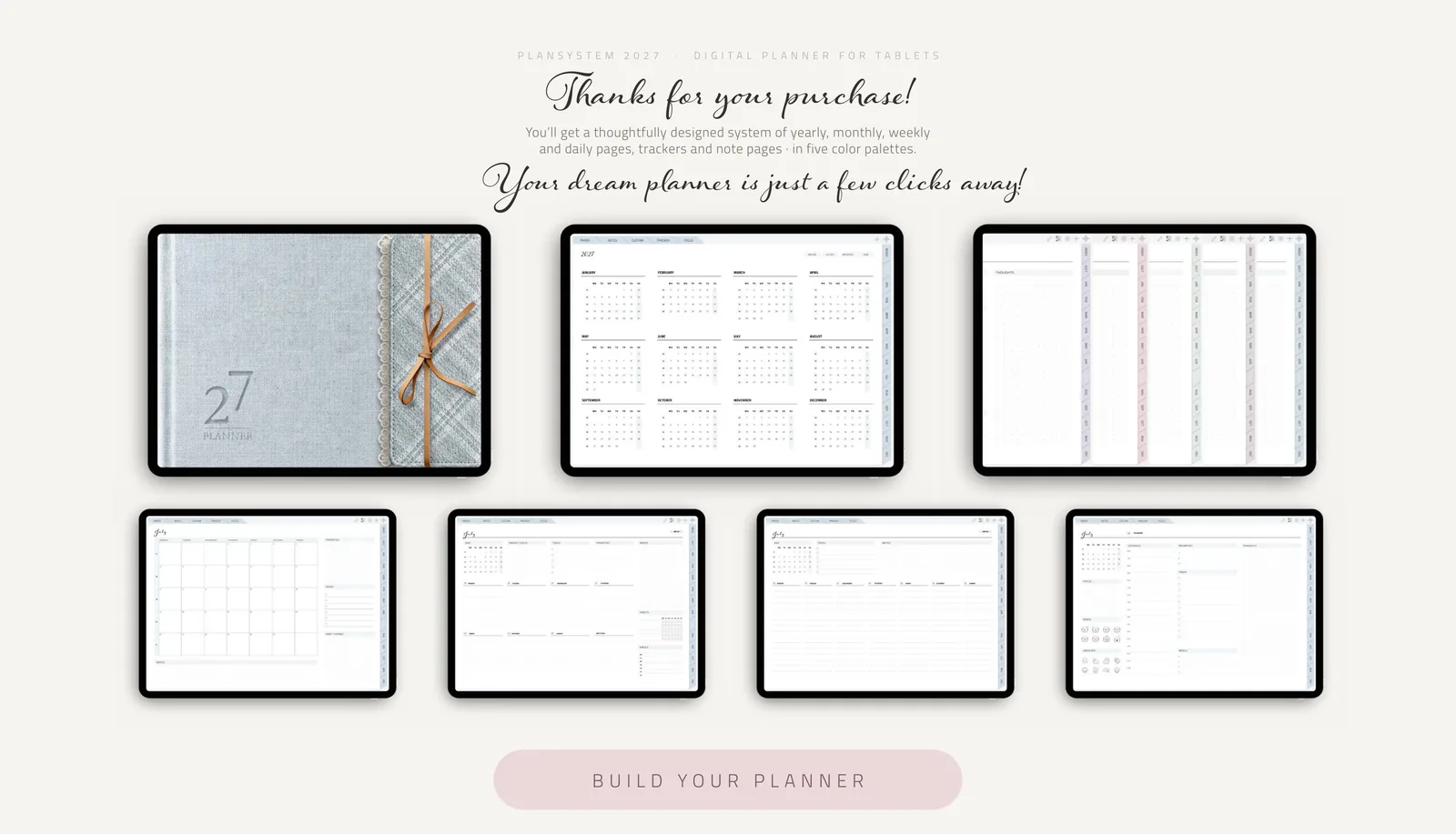
Customizable planner for iPad and Android
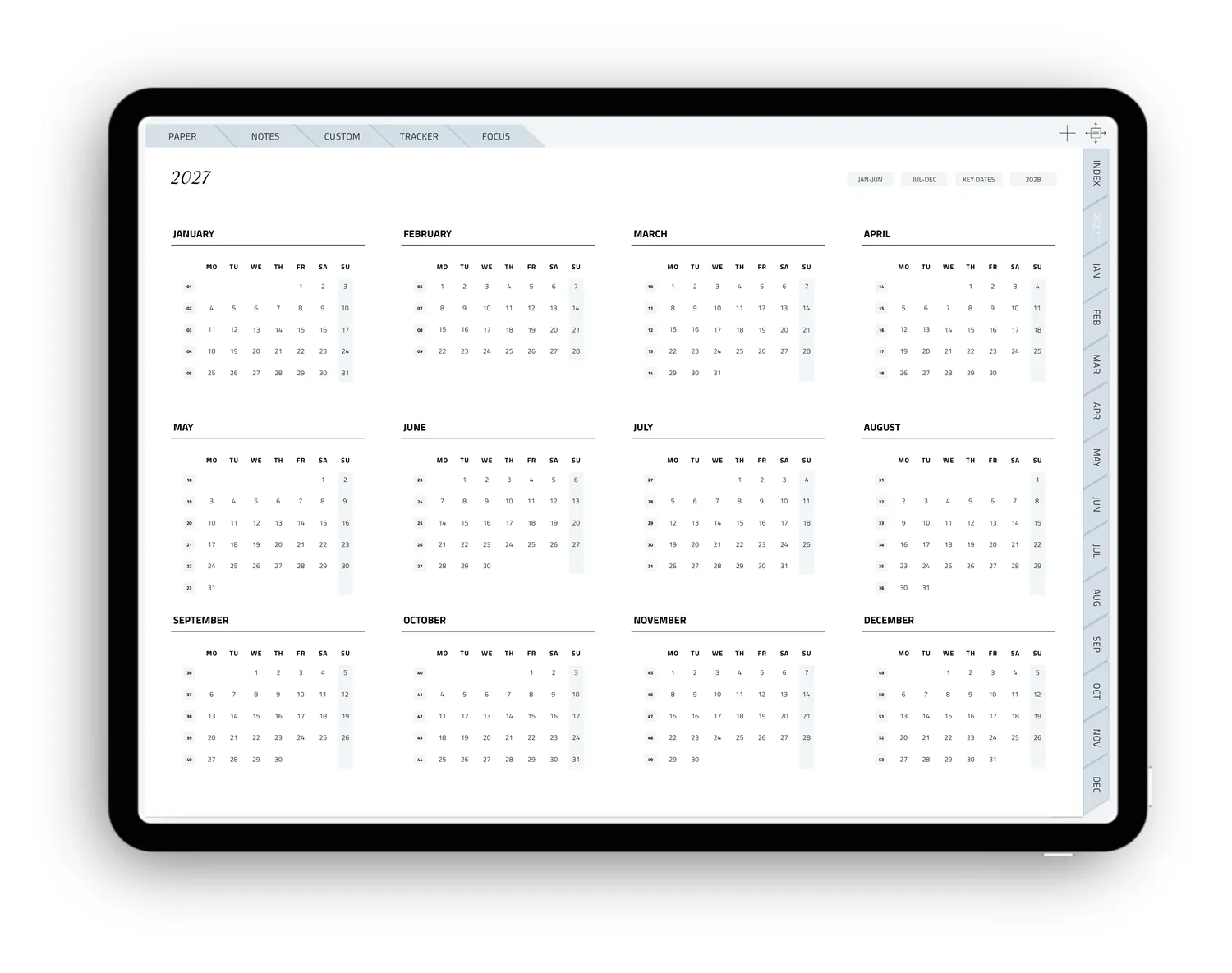
A thoughtfully designed system of yearly, monthly, weekly and optional daily pages. Everything is hyperlinked, so you’re always just one tap away from where you want to go.
With a matching sticker set and page templates, your planner adapts to the way you like to plan – not the other way around.
Available in two versions: Monday start or Sunday start – whichever way your week begins.
Choose the planner you need
After your purchase you’ll receive a PDF that takes you to exactly the planner you want in five easy taps.
Your planner
Take your pick
You decide which weekly layout you’d like to use – and whether your week starts on Monday or on Sunday.
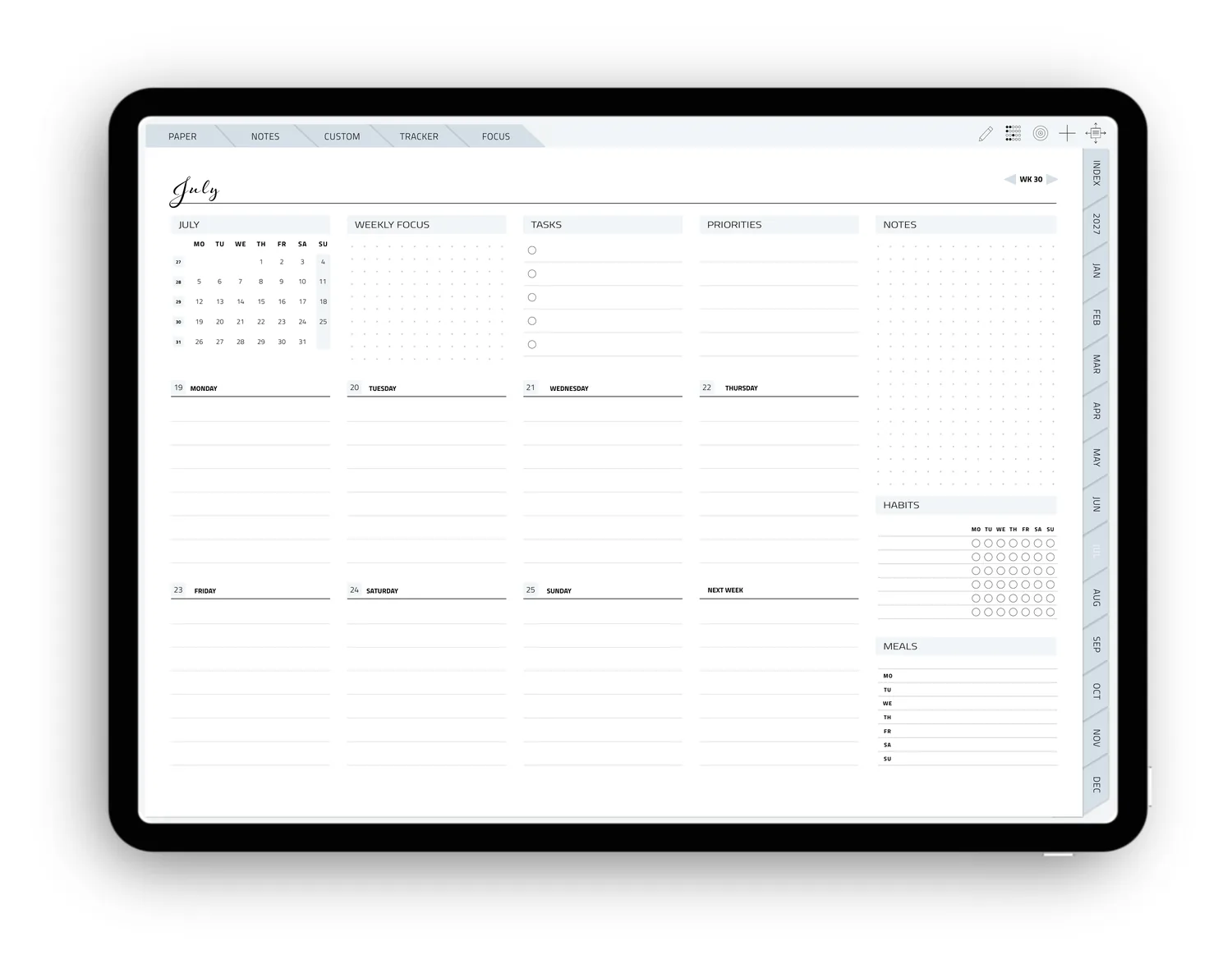
Plan your week day by day, with a habit tracker and a meal tracker.
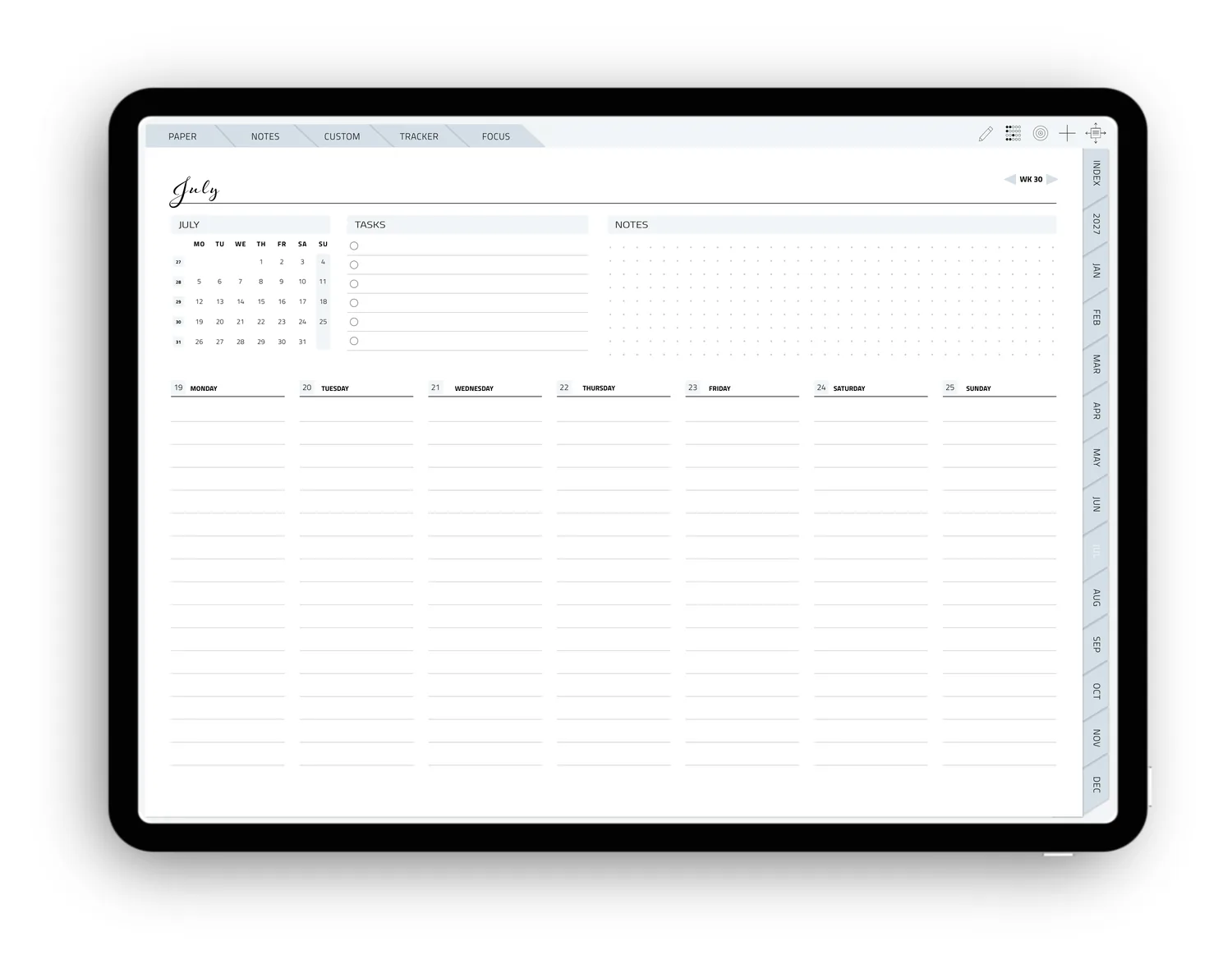
More room for each day, with just a mini calendar, tasks and notes.
How much day do you need?
From classic to dot grid · or no daily pages at all? Don’t worry, all three templates are still included in case you want to capture a day in detail.
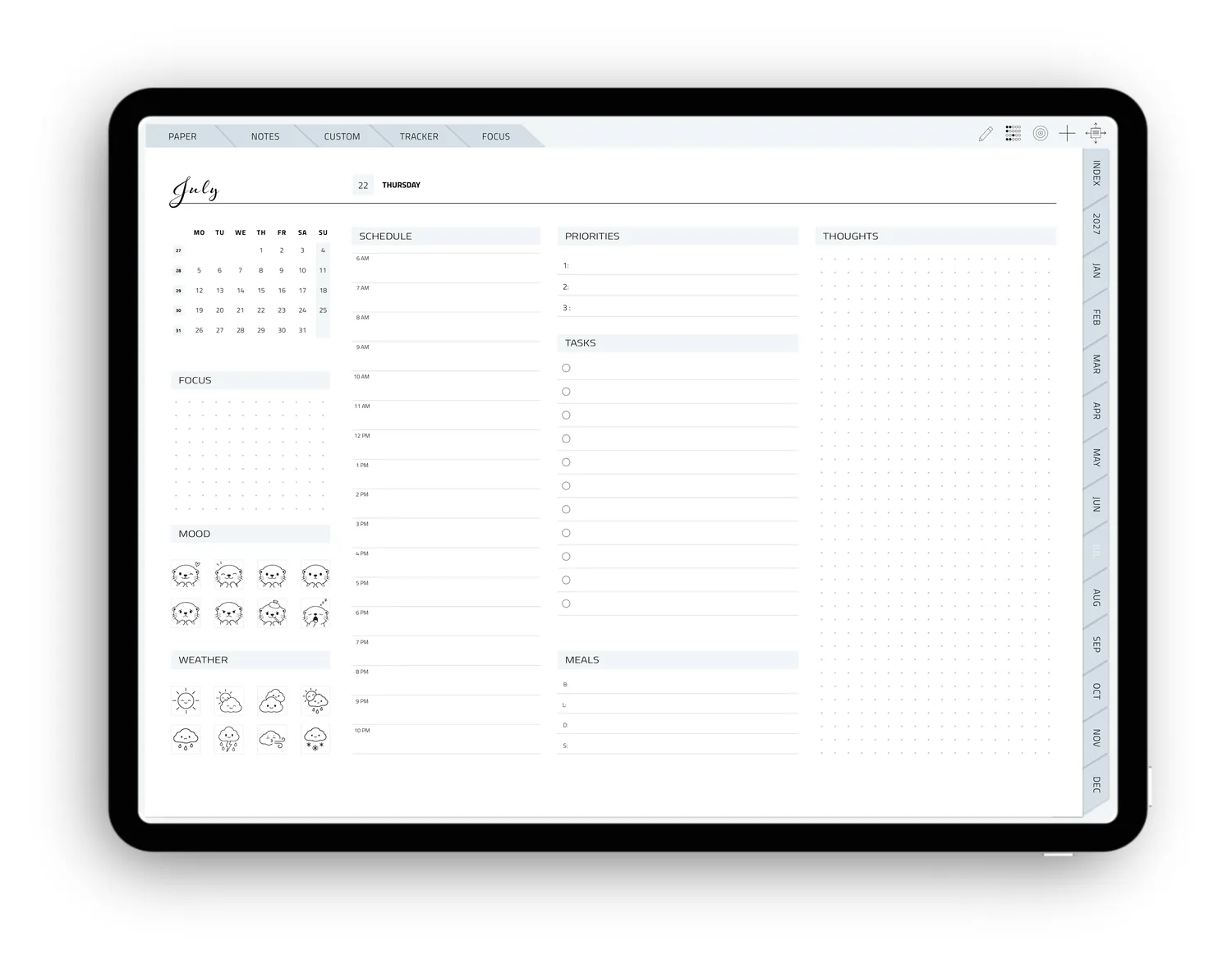
Structured and ready to fill in.
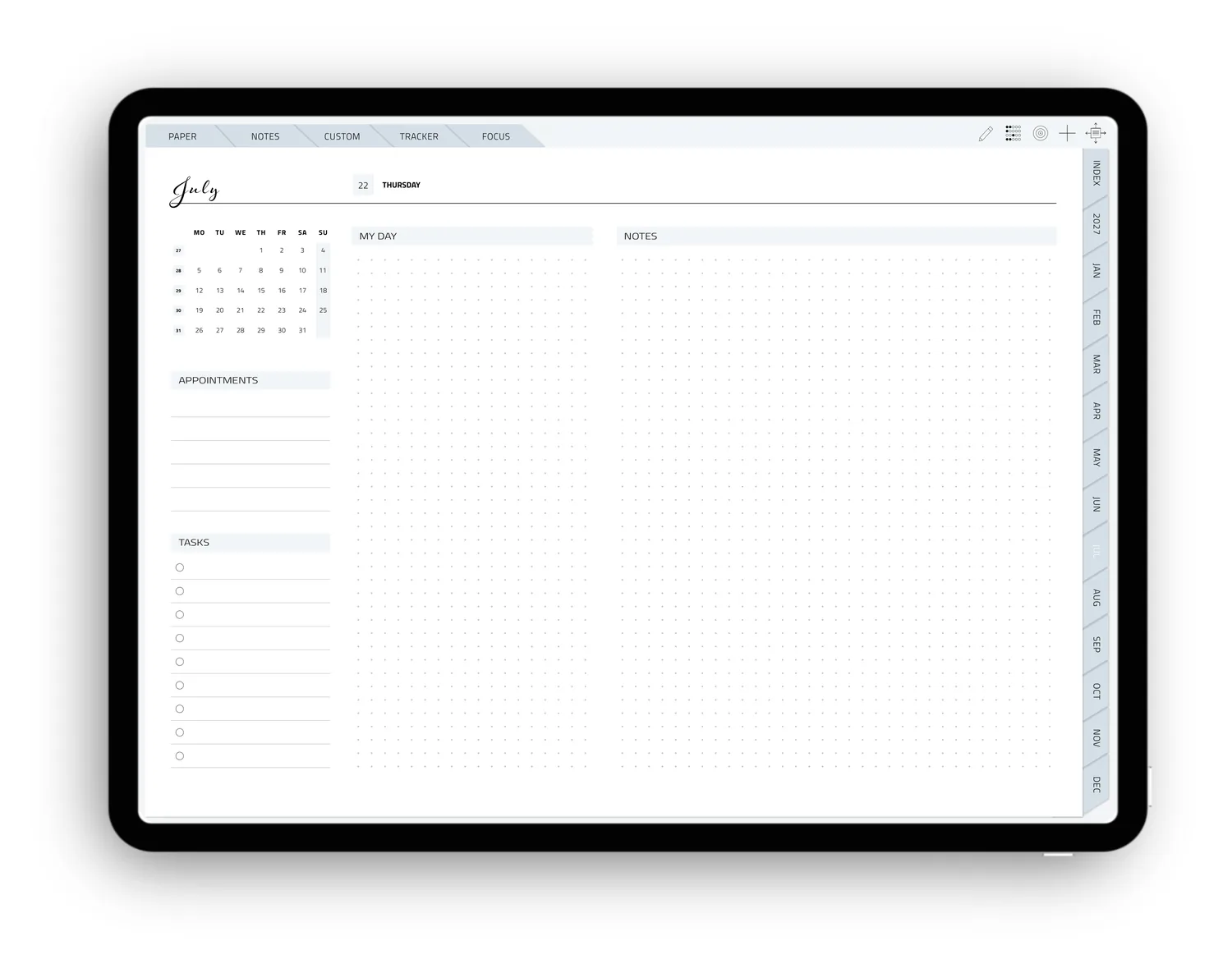
Leaves more room for your own ideas.
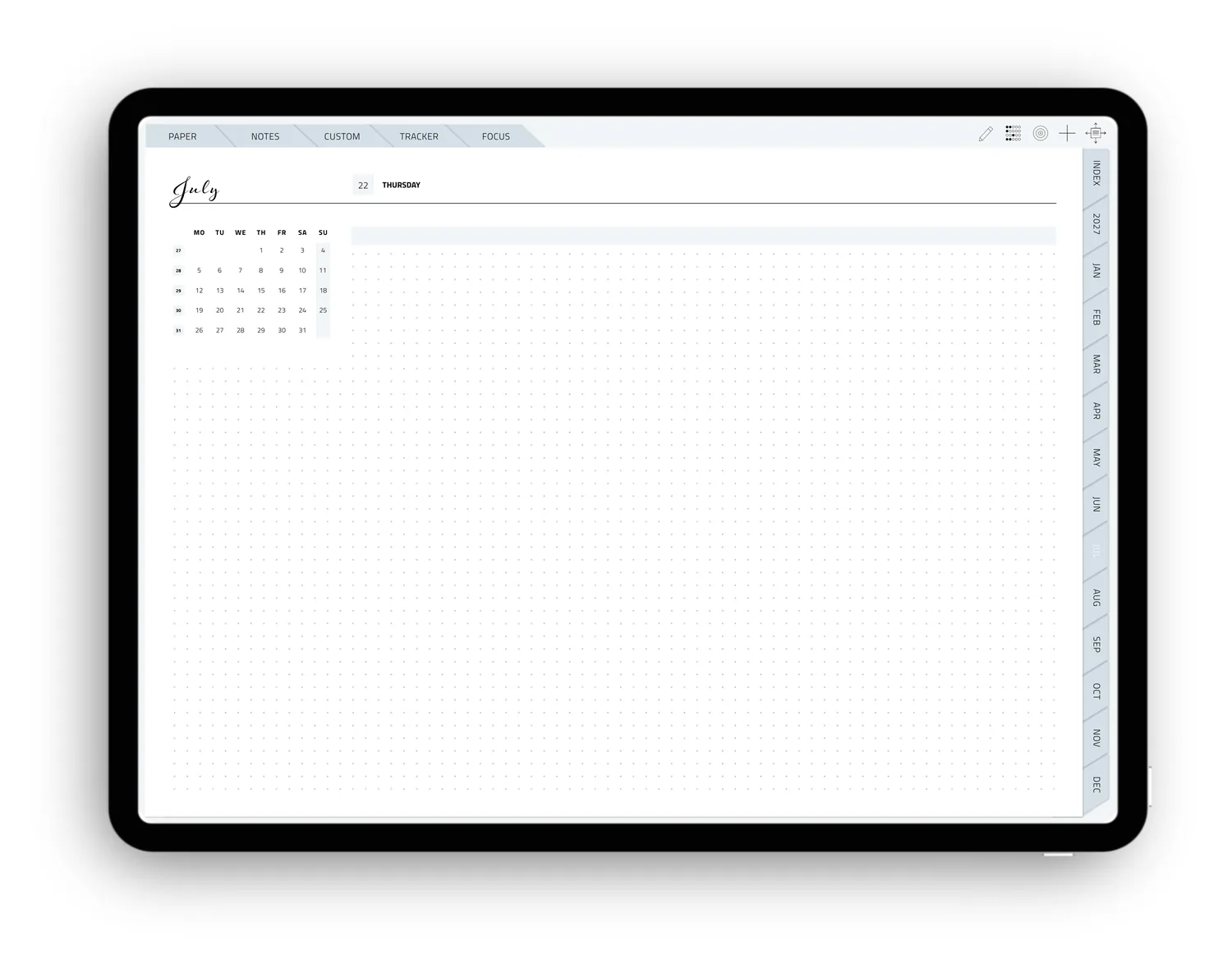
Just the date, a mini calendar and a dot grid. Maximum space.
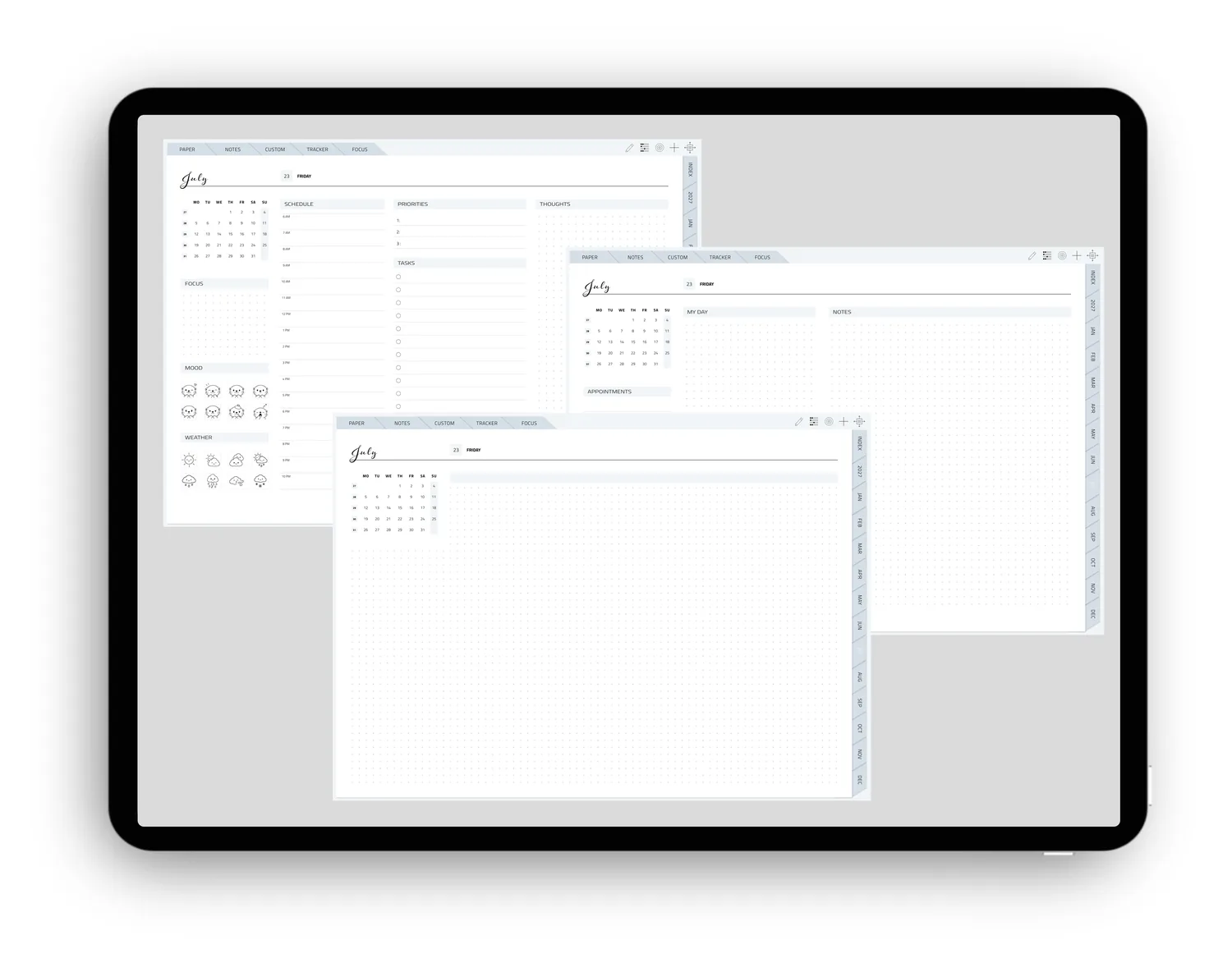
Don’t need them? Just leave them out · the three layouts are still included as templates.
Which color will it be?
Choose your favorite from these five beautiful options. The matching stickers are included in every color palette.
What should your first page look like?
Finally, pick your favorite cover. Each one comes in all five color palettes. The covers are also included separately, so you can swap them out anytime.
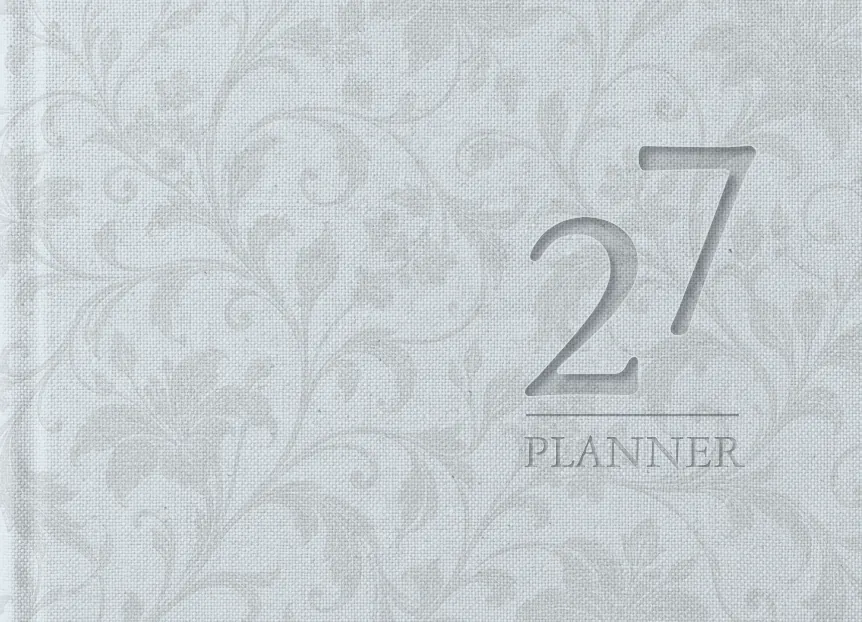
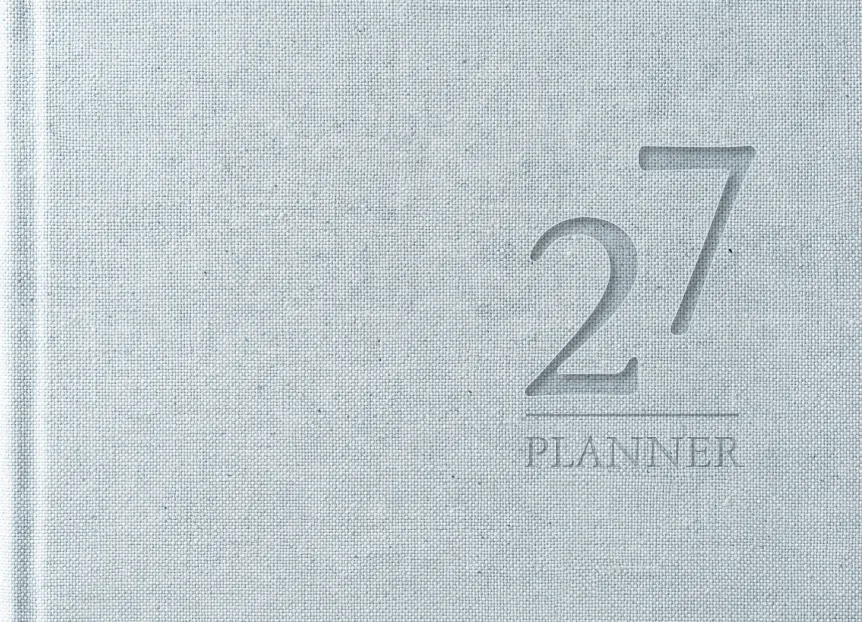

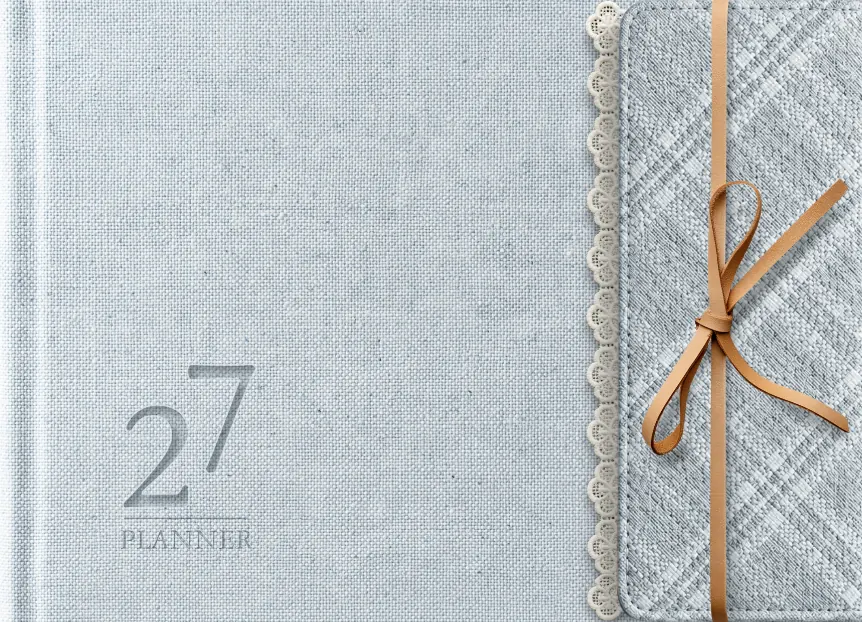
For your iPad
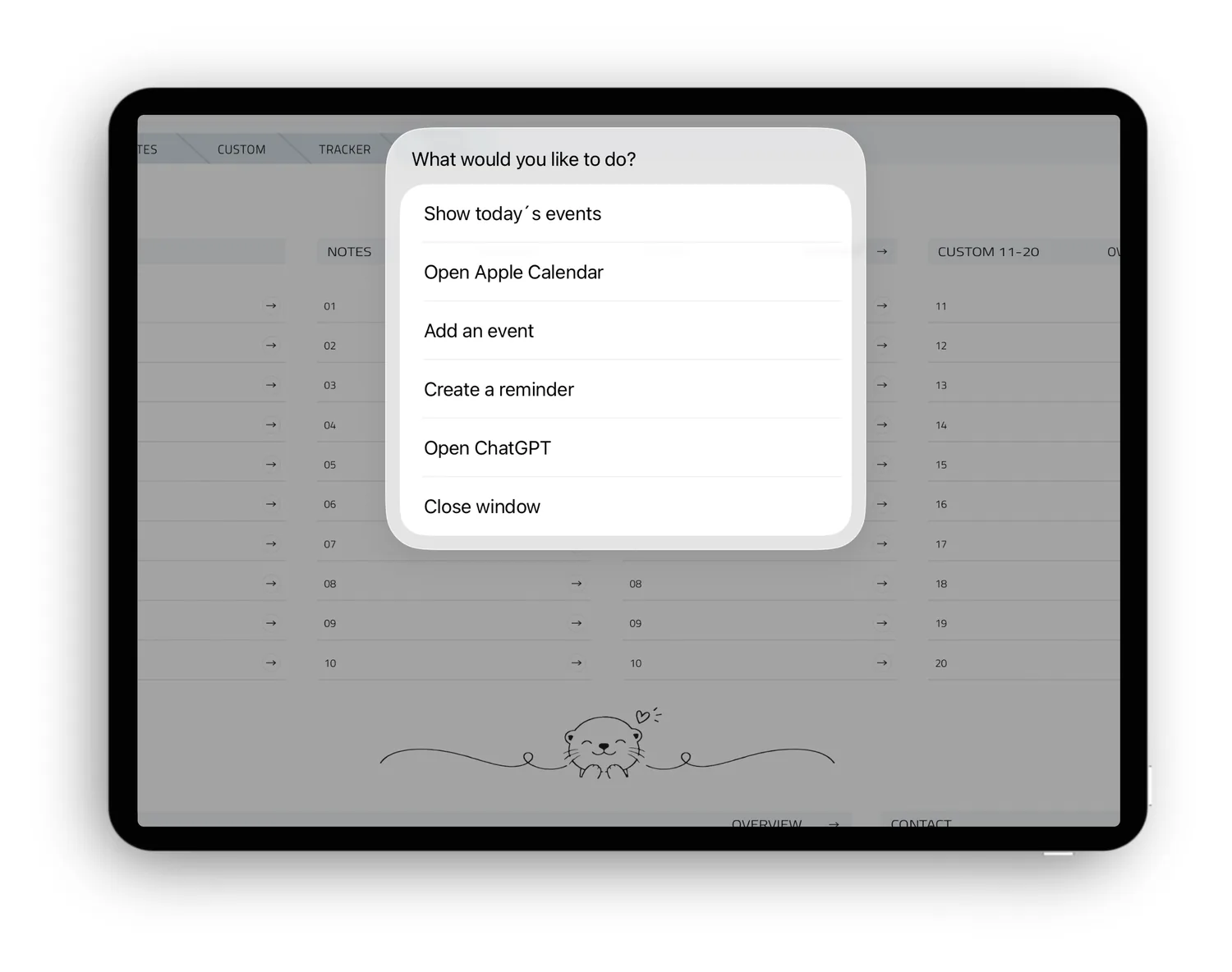
If you like, you can choose the planner with the Apple Shortcut. Tapping the icon opens a menu where you can view your events, open Apple Calendar, create an event or a reminder, or open ChatGPT.
Please note: Your planner does not sync with Calendar or Reminders.
The one-time setup only takes a moment. If you don’t want this feature, simply download the version without the Shortcut.
If you ever change your mind because you’d like a different combination or color, simply start the setup again from the beginning and get going with a brand-new planner!